
VNPAY payment guide
The VNPAY payment gateway is a payment solution built by Vietnam Payment Solution Joint Stock Company (VNPAY). Customers pay with a bank card or bank account, or with the QR Pay / VNPAY-QR feature built into their bank's mobile banking app or a linked e-wallet, and can enter a discount code where one applies.
Scan the VNPAY-QR code in 35+ mobile banking apps and 15+ linked e-wallets
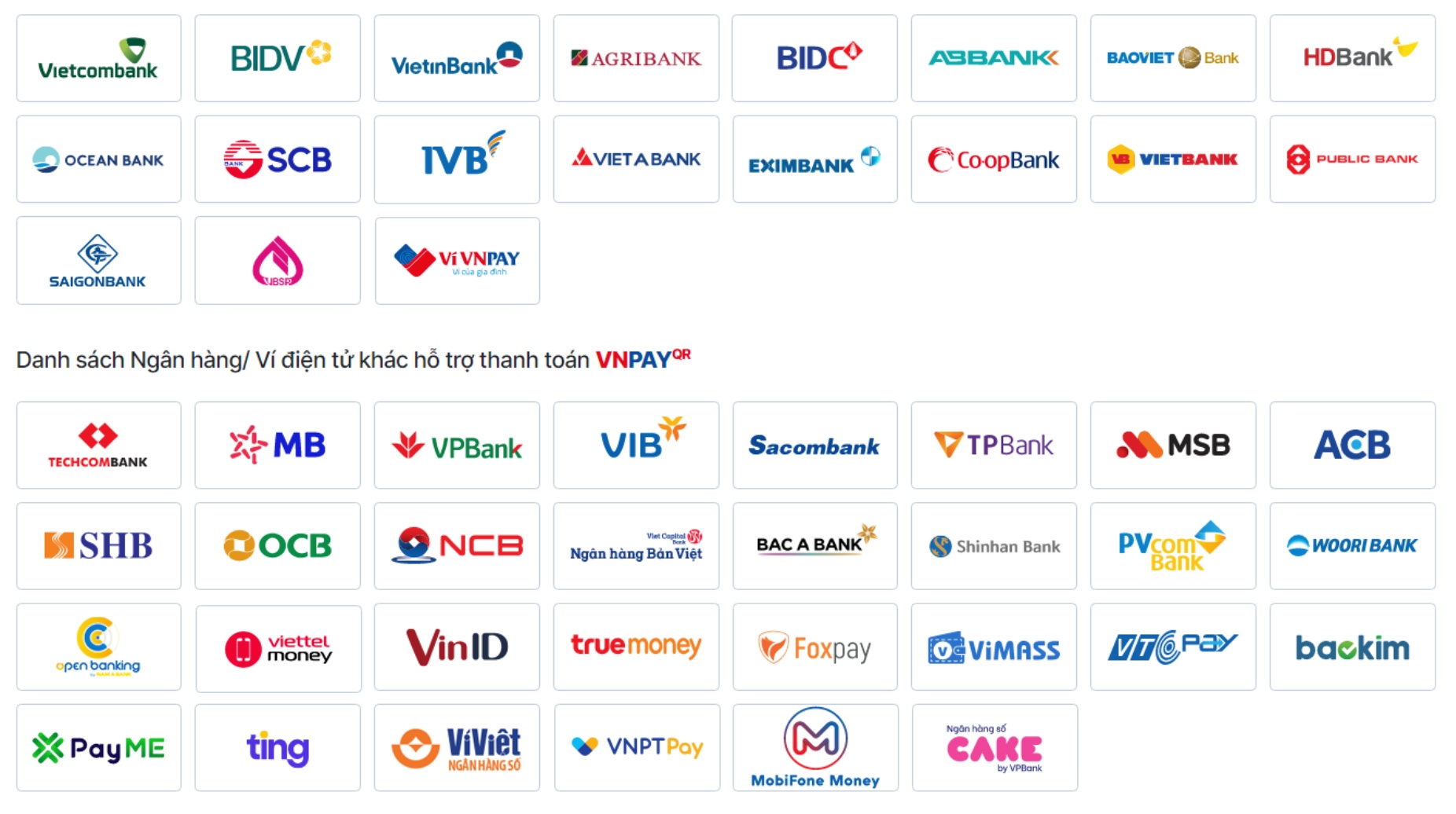
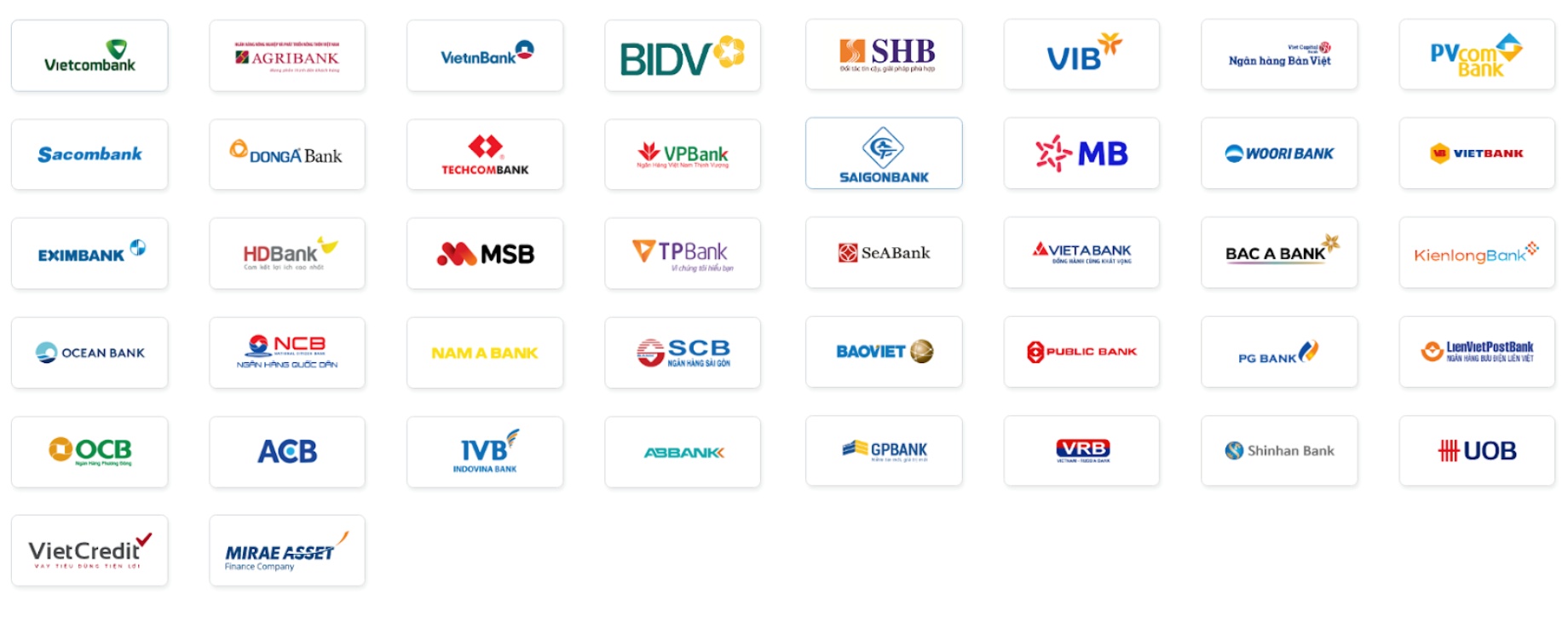
40+ ATM / domestic cards and bank accounts
4 international card schemes

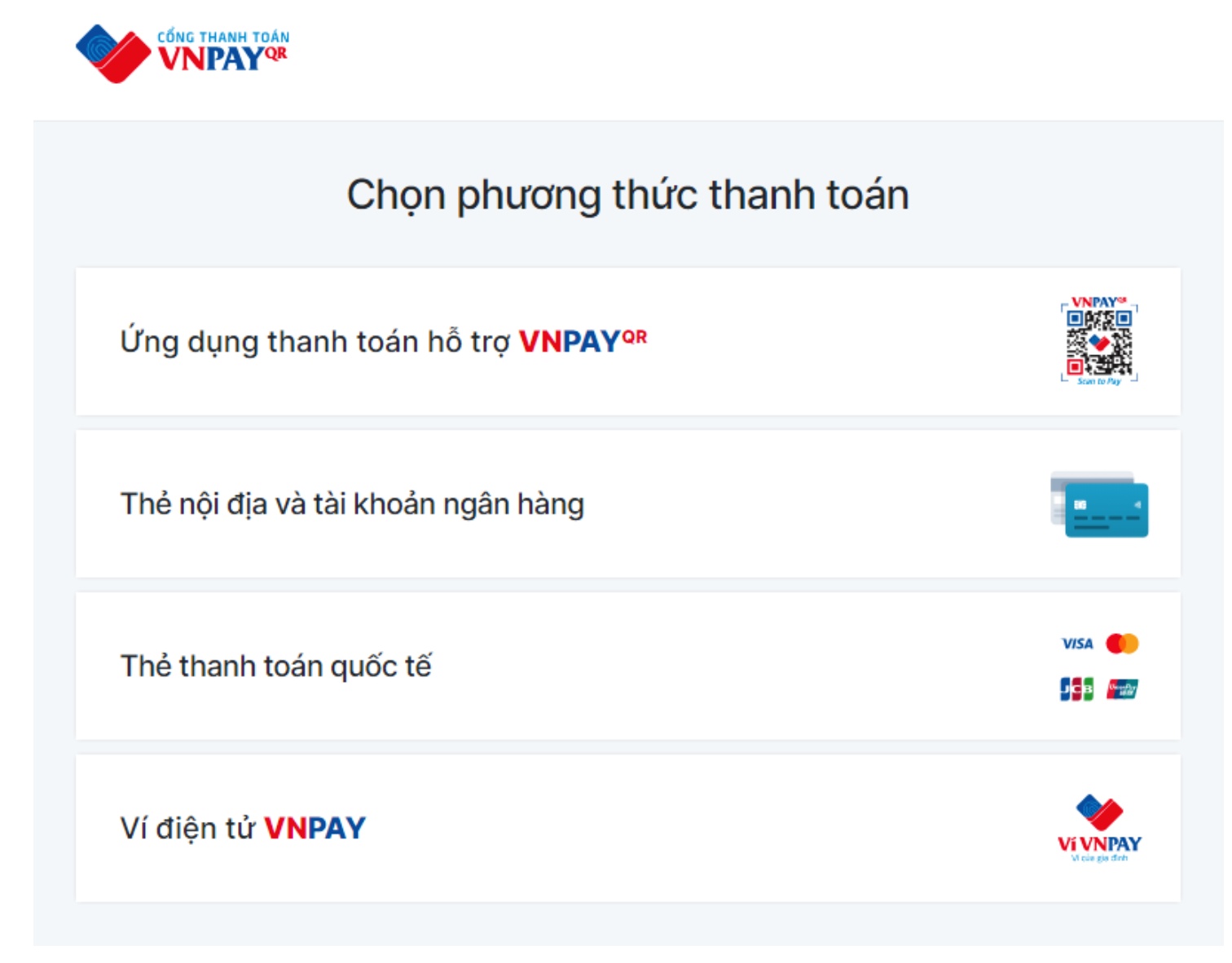
Payment methods available through VNPAY
1. Paying through an app that supports VNPAY-QR
Step 1: Choose your product or service and select Pay now or Place order.
On the checkout page, check the items you ordered, fill in the recipient details, choose VNPAY as the payment method and press Place order now.
Step 2: The screen moves to the VNPAY payment gateway. Choose the method Apps that support VNPAY-QR.
Step 3: The system shows a QR code together with the amount to pay. Check the amount, then open your banking app (from the list shown), choose Scan code and scan the QR code on the checkout screen.
*Note: the QR code is valid for 15 minutes.
For the payment to go through smoothly, look over the conditions and the scanning steps on your phone beforehand, so the code does not expire midway and affect your payment or your promotion code.
Step 4: Check the details, enter a discount code if you have one, and complete the payment.
Once the payment is done you will see an order confirmation on the website.
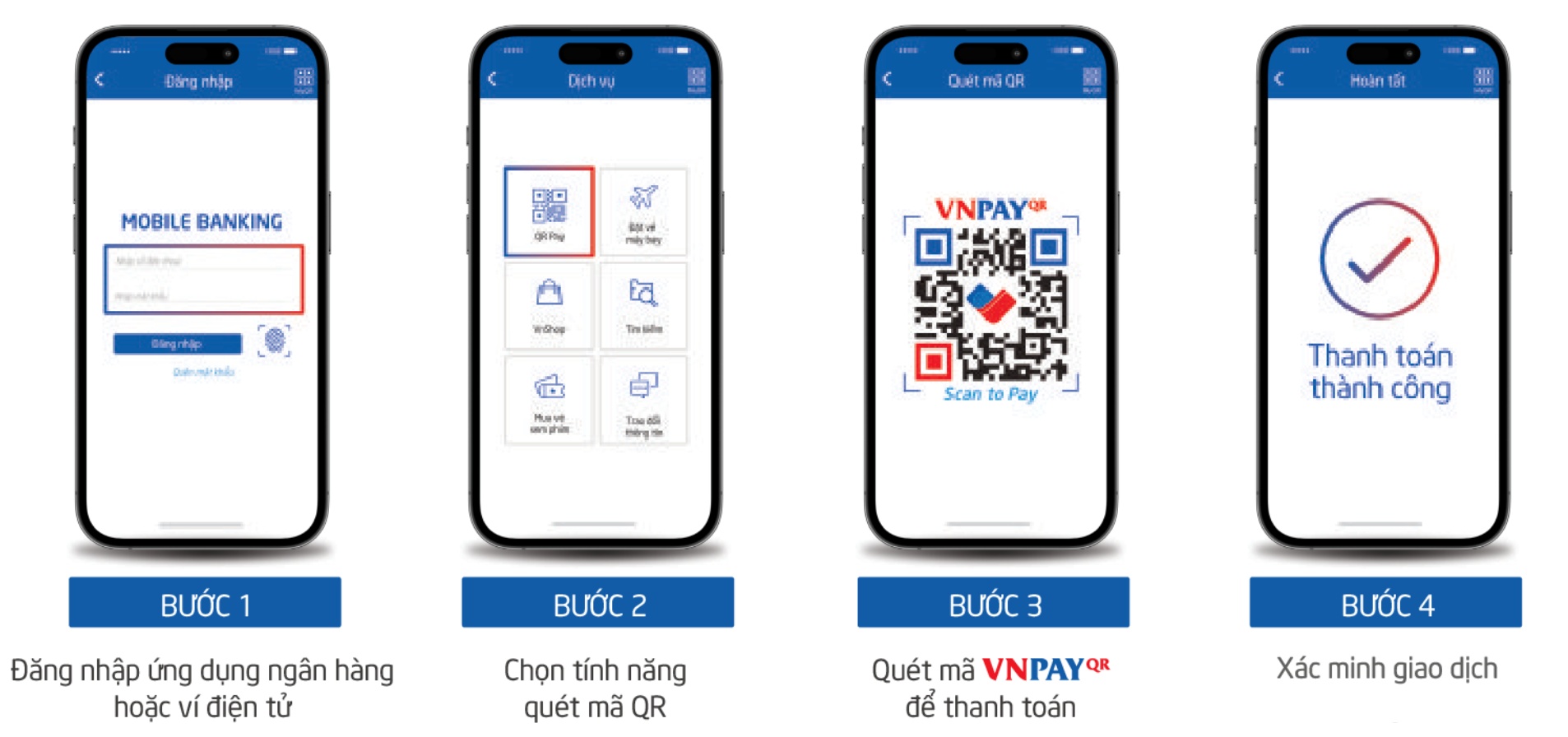
Paying with the QR Pay / VNPAY-QR feature
2. Paying with a domestic card or bank account
Step 1: Choose your product or service and select Pay now or Place order.
On the checkout page, check the items you ordered, fill in the recipient details, choose VNPAY as the payment method and press Place order now.
Step 2: The screen moves to the VNPAY payment gateway. Choose the method Domestic card and bank account, then pick your bank from the list.
Step 3: Enter the card or account details requested and press Continue. An OTP is sent to your registered phone; enter it to complete the transaction.
*Note: the transaction expires after 15 minutes.
Step 4: Once the payment is done you will see an order confirmation on the website.
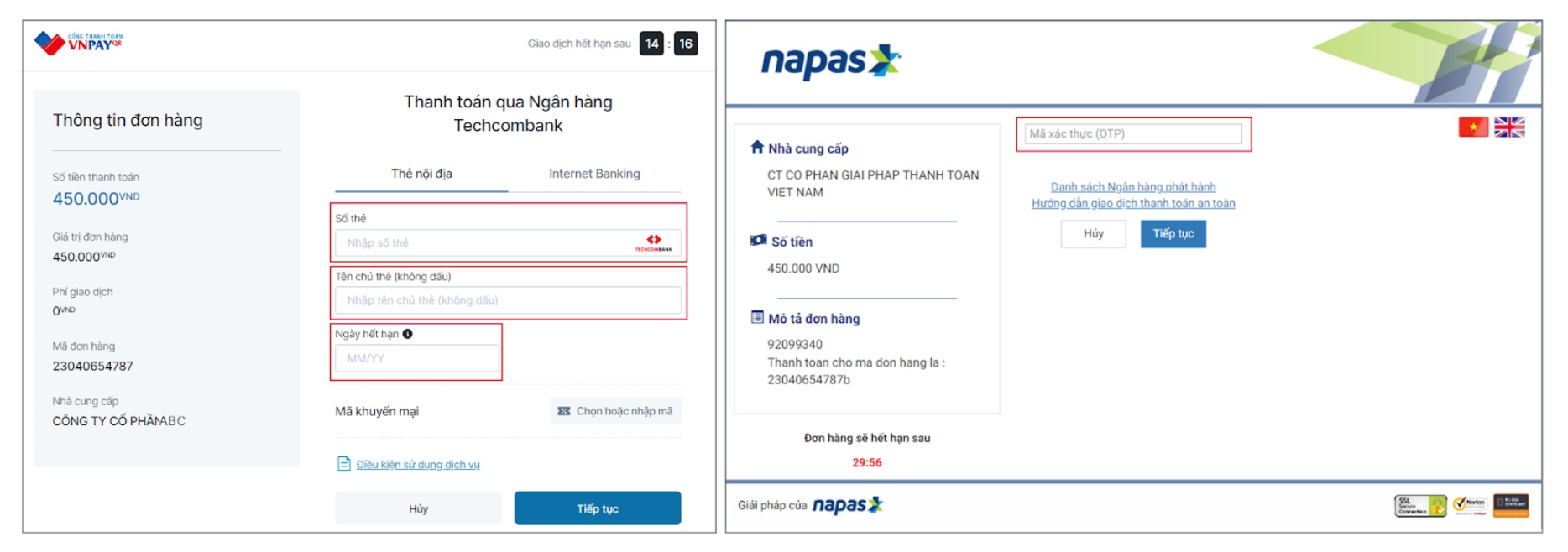
The Domestic card and bank account payment screen
3. Paying with an international card (Visa, MasterCard, JCB, UnionPay)
The steps are the same as for a domestic card and bank account.
4. Paying with the VNPAY e-wallet
The steps are the same as for an app that supports VNPAY-QR.
---------------------
SUPPORT CHANNELS
- Hotline: *3388 or 1900 55 55 77
- Zalo OA: zalo.me/4134983655549474109
- Email: [email protected]
- Fanpage: facebook.com/VNPAYQR.vn